
Storing Digital Receipts and Invoices: A Comprehensive Guide
Properly storing digital receipts and invoices is essential for every entrepreneur. This article explains how to do this efficiently and in accordance with the rules of the Tax Authorities, so you are never caught off guard.
Why is storing digital receipts and invoices important?
As an entrepreneur in the Netherlands, whether you are a freelancer or run an SME, you are obliged to keep your administration, including receipts and invoices, for a certain period. This is stipulated in the retention obligation of the Tax Authorities (Belastingdienst). A correct administration is crucial for your VAT return, income tax, and any audits. At Administratiekantoor Zandwijken in Aalsmeer, we understand that this can sometimes be complicated. That is why we are happy to help you set up and maintain a clear digital administration.
How long do you have to keep digital receipts?
The statutory retention period for most business documents, including digital receipts and invoices, is 7 years. For immovable property, a longer period of 10 years sometimes applies. It is important to keep an eye on these deadlines and adjust your administration accordingly. Do not store documents longer than necessary to comply with privacy legislation (GDPR).

How does digital storage work in practice?
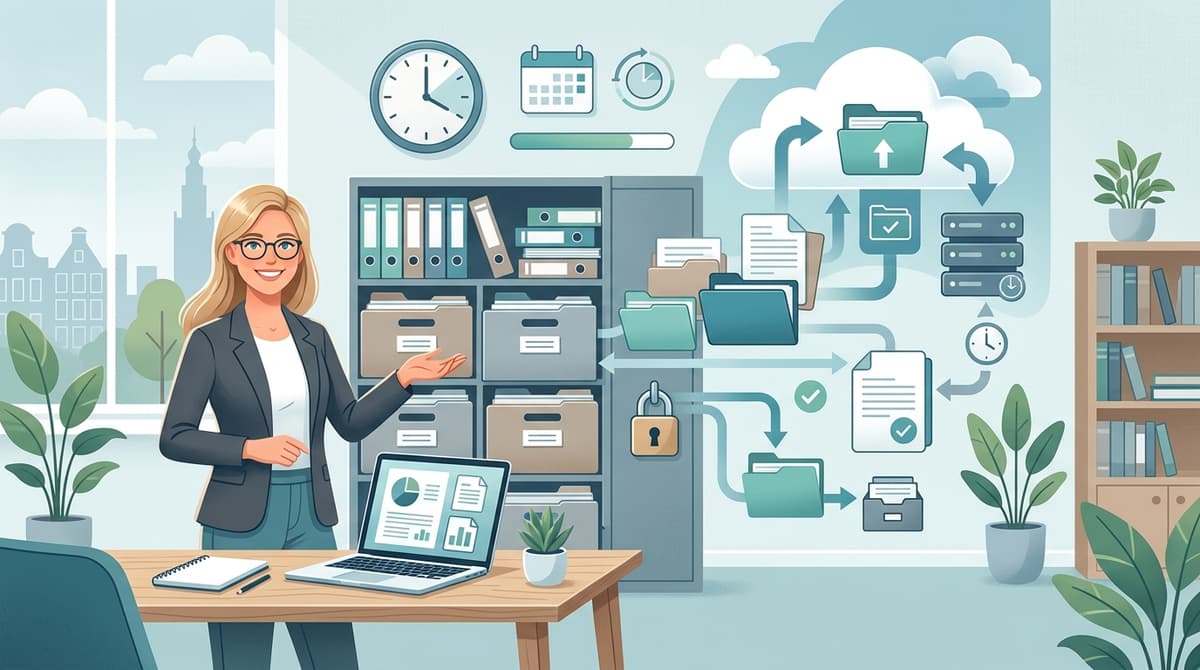
Digital storage means that you scan or photograph receipts and invoices and save them in a digital format, such as PDF. Make sure the scan or photo is clearly legible. You can use a scanner, a smartphone app (such as Scannable or Adobe Scan), or the scan function of your printer. It is advisable to organize the files into folders, for example per month or per category (purchases, sales, etc.). Backups are essential to prevent data loss.
What requirements does the Tax Authorities have for digital storage?
The Tax Authorities accept digital copies of receipts and invoices, provided that these are a faithful representation of the original. This means that all information must be clearly legible, including amounts, dates, and descriptions. The origin of the document must also be clear. It is important that you store the digital documents in a secure manner so that they cannot be changed or deleted. Ensure good access control to your digital archive.

What software can you use for digital archiving?
There are several software packages available that can help you digitally archive your receipts and invoices. Consider cloud solutions such as Dropbox, Google Drive, OneDrive, or special accounting packages such as Exact Online, Yuki, or Moneybird. Choose a solution that fits the size of your company and your budget. Pay attention to the security aspects of the software and ensure that your data is stored safely.
What are the advantages of digital storage?
Digital storage offers many advantages over paper archives. It saves space, is more environmentally friendly, and makes it easier to find documents. You can quickly search by keywords, dates, or amounts. Moreover, digital documents are easier to share with your accountant or tax advisor. This makes the collaboration more efficient and saves you time and money.
How do you ensure a secure digital environment?
A secure digital environment is crucial for protecting your company data. Use strong passwords, enable two-factor authentication, and regularly install updates for your software and operating systems. Make regular backups of your data and store them in a safe location, preferably in the cloud. Be alert to phishing emails and other forms of cybercrime. Consider hiring an IT specialist for advice and support.
Frequently Asked Questions
Can I throw away paper receipts after scanning them?
What should I do if a digital receipt is damaged or lost?
What about the retention obligation for sole proprietorships?
What are the consequences of not complying with the retention obligation?
Sources & References
More articles

Tax Advice for Entrepreneurs: Everything You Need to Know
As an entrepreneur, it is crucial to properly manage your tax affairs. Professional tax advice can help you optimally benefit from all available regulations and deductions, leaving you with more money for your business.
How Long to Keep Your Business Records?
As an entrepreneur, it's crucial to know how long you need to keep your business records. This blog explains the legal retention periods and provides practical tips.